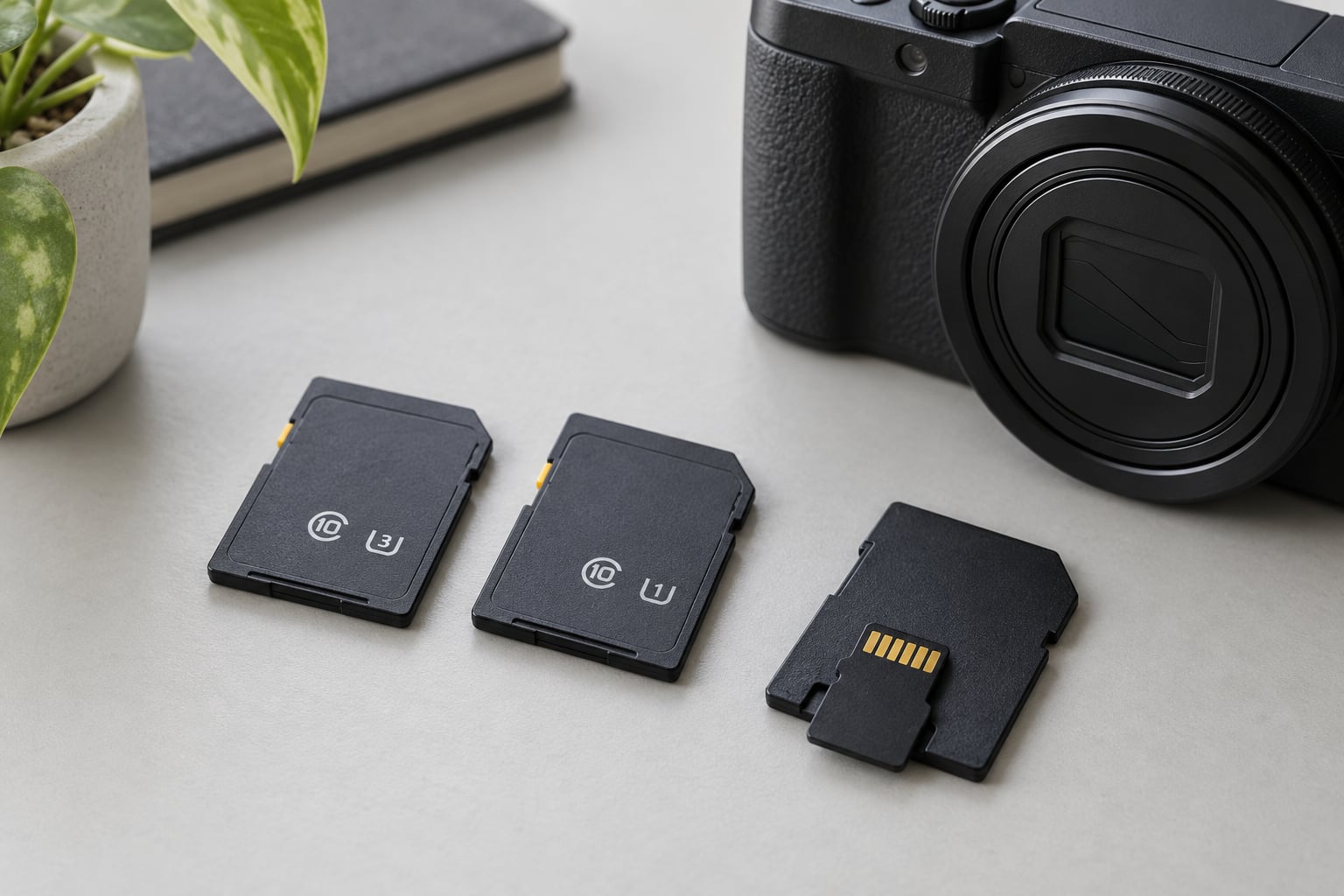
SD card speed classes are the SD Association’s promise of a minimum sustained write speed, printed on the card as a C number, a U1 or U3 symbol, or a V number. Nothing more. The big 300 MB/s number on the packaging is an advertised read speed, a completely different measurement, and confusing the two is the reason people end up with cards that fail mid-recording.
So when someone asks which speed class they need, the honest answer is short: check your device manual for its minimum required class, buy a card at or above that rating, and only then think about capacity or extra speed. Everything below unpacks what those symbols actually guarantee.
Table of Contents
- What Do SD Card Speed Classes Mean?
- SD Card Speed Classes at a Glance
- What Is the Difference Between Class, UHS and Video Speed Class?
- Speed Class (C2, C4, C6, C10)
- UHS Speed Class (U1 and U3)
- Video Speed Class (V6 to V90)
- Application Performance Class (A1 and A2)
- SD Express Speed Class (E150 to E600)
- How to Read the Symbols on an SD Card
- Which SD Card Speed Class Do Different Devices Need?
- What Matters More: Read Speed or Write Speed?
- How to Choose the Right SD Card Without Overspending
- Frequently Asked Questions
- Can I use a faster SD card in an older camera or device?
- Is a U3 SD card backward compatible with older devices?
- What SD card speed do I need for 4K video?
- Does a faster SD card improve photo or video quality?
- Why is my SD card slower than advertised?
- Conclusion: Start With the Device’s Minimum Write-Speed Requirement
What Do SD Card Speed Classes Mean?
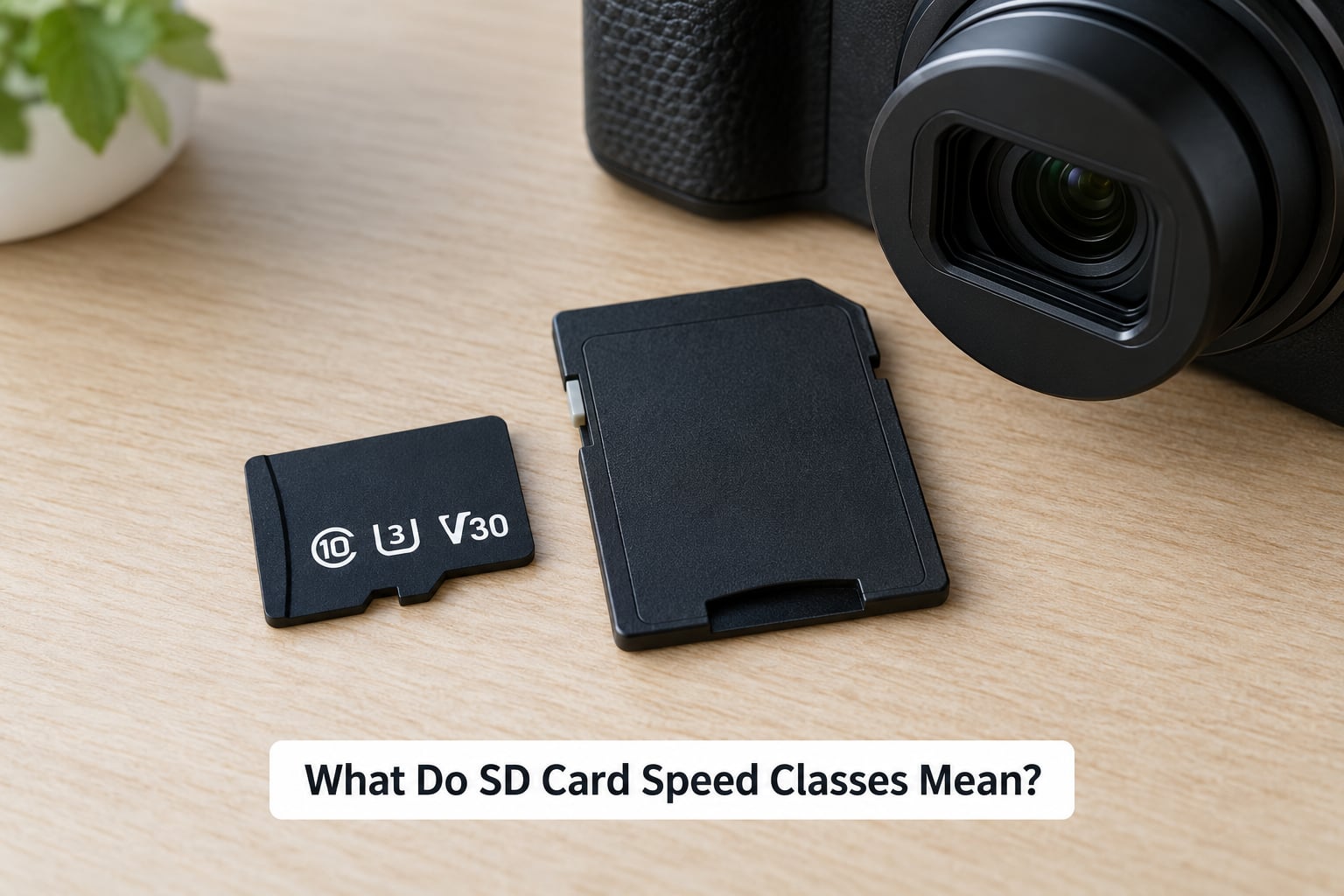
Speed classes are floor guarantees, not targets. A V30 card is not “30 MB/s.” It is a card the SD Association certified as writing at least 30 MB/s continuously, under test conditions, for the whole card, including near the end when it is full of files.
That distinction matters more than it first appears. A card’s advertised maximum read speed describes the best burst transfer when the card is empty, the host device is fast, and the files sit contiguously on disk. Recording and copying depend on sustained sequential write speed, which is usually lower and, on cheaper cards, collapses to exactly the rated minimum once you start filling the card.
One more thing classes never cover: read speed at all. A card rated V90 can be a slow reader. That is normal and expected, and it is why a UHS-II card in a UHS-I camera still records fine.
The classes are verified by the SD Association rather than by the card maker’s marketing department, and the test is deliberately pessimistic. A card has to hold its rated speed across the full capacity, not just the first clean block, and the rating survives whatever the card does when it is nearly full. That is exactly the condition a long recording hits.
SD Card Speed Classes at a Glance
Here is the quick reference most people actually need. If you read nothing else, read this table.
| Marking | Minimum write speed | Typical use | What it does not guarantee |
|---|---|---|---|
| C2 (Class 2) | 2 MB/s | Standard-definition video, light storage duty | HD or 4K recording, burst photos |
| C4 (Class 4) | 4 MB/s | 720p video, older compact cameras | Full HD at high bitrate, stills bursts |
| C6 (Class 6) | 6 MB/s | Full HD video on older devices | 4K, large RAW files at speed |
| C10 (Class 10) | 10 MB/s | Full HD video, general-purpose cards | 4K capture, app responsiveness |
| U1 (UHS Speed Class 1) | 10 MB/s | HD and Full HD video, general storage | 4K capture despite the U mark |
| U3 (UHS Speed Class 3) | 30 MB/s | 4K video, burst RAW, large files | 8K high-bitrate recording, faster reads |
C10 and U1 look identical on paper because both guarantee 10 MB/s. The difference is the bus interface the card needs. C10 works in a plain high-speed host, U1 requires a UHS-I or better host, and in exchange it unlocks a much higher transfer ceiling.
Two letters that get misread constantly: the C symbol with a number inside is a megabytes-per-second figure, while the Roman numeral I in UHS-I is just a bus generation name. U1 and U3 are speed classes. UHS-I and UHS-II are interfaces. Different families, printed close together.
What Is the Difference Between Class, UHS and Video Speed Class?
Four rating families show up on cards today. They stack rather than compete, which is why a single card can carry four separate symbols without any of them contradicting the others.
Speed Class (C2, C4, C6, C10)
This is the original 2006 standard, borrowed straight from the CD and DVD world. The number inside the C equals the guaranteed minimum write speed in MB/s, so C10 means 10 MB/s. These ratings work on the older high-speed bus and remain the compatibility floor for older cameras, camcorders and handhelds.
C2, C4 and C6 rarely appear on new cards and are mostly relevant when you are shopping for an older device or a used card. C10 is the one still worth knowing, because manuals and generic cards keep referencing it. It is not obsolete, just superseded as a buying guide.
UHS Speed Class (U1 and U3)
UHS ratings were added alongside the UHS-I and UHS-II interfaces. U1 guarantees a minimum sequential write speed of 10 MB/s on a UHS bus. U3 guarantees 30 MB/s. Both require a UHS-capable host device, which in practice means anything made in the last decade.
The practical jump between U1 and U3 is 4K video. A camera that records 4K at a modest bitrate can often get away with U1, but many bodies write 4K faster than U1 sustains, and you get dropped frames or a recording that stops. If the manual says U3 or V30, U1 is not a substitute.
Video Speed Class (V6 to V90)
Video Speed Classes were designed around recording workloads rather than general storage. V6, V10, V30, V60 and V90 guarantee 6, 10, 30, 60 and 90 MB/s of sequential write, with one extra promise built in: the card keeps that speed even when it is nearly full and even when the host is writing multiple streams at once.
V10 is functionally the same floor as U1 and C10. V30 lines up with U3. Above that, V60 and V90 exist for high-bitrate 4K, 8K, RAW video and multi-camera rigs, and they are genuinely different claims rather than marketing relabels.
So is V30 faster than Class 10? Yes in guarantees, three times the minimum. In practice a V30 card may run anywhere from just above 30 MB/s to well past 90 MB/s, while the C10 card underneath it could be the same silicon. The rating tells you the floor, not the whole range.
Application Performance Class (A1 and A2)
A1 and A2 measure something else entirely: random read and write operations per second, or IOPS. This is what governs how fast a phone or handheld console can load game assets and shuffle app data around, where nothing large is ever written in one continuous stream.
A1 requires 1,500 random read IOPS and 500 random write. A2 requires 3,800 and 2,000. Handheld console owners and Android users report the difference mostly in game load times, which is exactly the workload A ratings were designed around.
SD Express Speed Class (E150 to E600)
SD Express moves the card onto a PCIe and NVMe lane, which is why the numbers jump so far. E150 guarantees 150 MB/s, E300 gives 300 MB/s, E450 gives 450 MB/s and E600 gives 600 MB/s of minimum write performance.
It also explains the rumor that SD cards are on their way out. Some phones and laptops moved to embedded storage that leaves no card slot at all. The technology itself is not dead, it simply has almost no host devices that speak it yet, so an E-rated card is not something most people should buy.
How to Read the Symbols on an SD Card
Pick the card up and turn it so the printed panel faces up. You will see three things: a capacity, a speed class symbol, and a long list of letters and numbers that mostly describe the file system and the physical standard.
Read it in this order:
- Capacity. Printed plainly as 8GB, 16GB, 32GB, 64GB, 128GB, 256GB or beyond. Under 32GB means SDHC, 32GB and above means SDXC, and 2TB and above means SDUC. That matters because many older cameras stop accepting cards above 32GB regardless of speed.
- The C symbol. A C with a number inside it. That is the original minimum write speed in MB/s.
- The U symbol. A U with a number inside it, 1 or 3. This is the UHS Speed Class, and it only counts if your device has a UHS bus.
- The V symbol. A V followed by a number, 6 through 90. This is the Video Speed Class and the most useful single marking on a modern card.
- The A symbol. A1 or A2, the Application Performance Class for random access. Ignore it for cameras.
- The bus and standard markings. Roman numerals next to UHS mean the bus generation, the row of tiny numbers is the model’s part number, and anything like V30 written in plain text is just a repeat of the V symbol.
Then throw out the big transfer number on the front of the card. “200 MB/s” or “300 MB/s” is the maximum read speed measured by the manufacturer under ideal conditions. It tells you how quickly a card can be emptied into a computer, and nothing about whether it can record.
One more mark worth knowing: high-endurance. Cards sold for dashcams, security cameras and trail cameras carry an endurance rating expressed in hours or write cycles. Speed class tells you the card can keep up. Endurance tells you how long it survives constant rewriting.
Which SD Card Speed Class Do Different Devices Need?
Start with the manual, not with this table. Manuals state a minimum card requirement, usually phrased as “SDHC or SDXC Class 10” or “UHS-I U3.” Match that, then move up if your recording workload is heavier than the manual assumes.
| Device | Minimum sensible rating | Better if you record a lot | Watch out for |
|---|---|---|---|
| Smartphone | U1, A1 or A2 | A2 for app and game loading | Some phones cap out at 32GB or 128GB |
| Point-and-shoot camera | C10 or U1 | U3 for burst stills | Older models stop at 32GB |
| Mirrorless or DSLR | U3 or V30 | V60 or V90 for burst RAW and 4K | Buffer depth is limited by card speed |
| Action camera | U3 or V30 | V60 for high-bitrate 4K | Heat and battery drain, not the card |
| Drone | U3 or V30 | V60 for 4K at high bitrate | Many drones need UHS-I only |
| Dash cam or security camera | C10 with high endurance | Endurance-rated cards, V30 optional | Capacity is often capped; check the manual |
| Nintendo Switch or handheld PC | U1 with A1 | A2 for faster game loads | Format the card in the console first |
| General file storage | U1 | U3 if you copy large files often | Buy capacity here, not speed |
For a phone or handheld console, the A rating matters more than any other marking, since load speed is random access. For a dashcam, endurance outranks everything, because a fast card that wears out after a few months is worse than a slow one that lasts.
Older cameras are the usual source of disappointment. Many pre-2013 bodies read only the C number and ignore UHS entirely, so a U3 card behaves like a Class 10 card inside them. That is normal, and it is not a fault.
What Matters More: Read Speed or Write Speed?
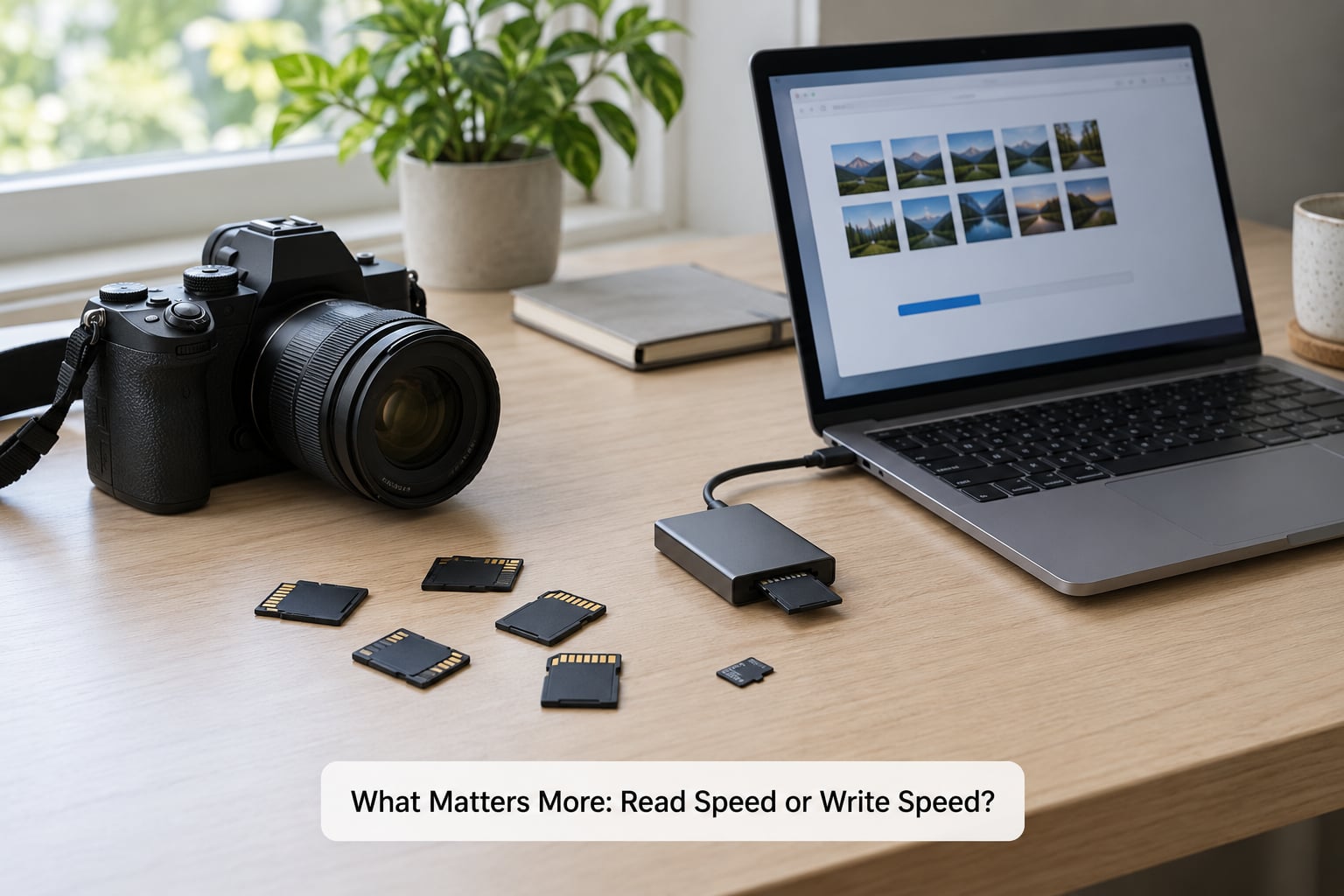
For recording, write speed decides everything. For offloading footage, read speed decides how long you wait. Readers who shoot video care about the first; readers who run a home library care about the second.
Fast sequential read speed shows up when you copy a card into a laptop with a USB 3.0 or faster reader. A card rated 200 MB/s can empty a 64GB card in a few minutes rather than half an hour, provided the reader and the cable can keep up.
Here is the catch most guides skip. The reader is usually the bottleneck, not the card. UHS-I tops out around 104 MB/s theoretical, UHS-II around 312 MB/s, but a UHS-II card plugged into a USB 2.0 reader will run near the card’s UHS-I limit or worse. You will see 15 MB/s transfers on a card capable of ten times that and assume the card is faulty.
Sequential write speed is what burst photography and video demand. Holding the shutter on a DSLR produces a stream of large RAW files that have to land faster than the buffer can absorb them, and a slow card means the buffer fills and the camera stutters between frames. Photographers shooting high-speed bursts report the difference between a U3 and a V60 card most clearly here.
4K video is a sustained write problem. Recording is continuous and cannot pause, so the card has to hold its rated speed for the entire clip with no buffer. At roughly 400 Mbps for high-quality 4K, a V60 card is the safer choice, and V30 can struggle on long takes. This is also why cheap V30 cards sometimes fail mid-clip: they hover right at 30 MB/s when the card is nearly full, with nothing left in reserve.
Random writes are the third case. A camera writing files in random order, or a phone installing apps, performs worse than sequential tests suggest. That is where fragmentation and free space come in, and why a card with 10 percent free beats a completely full one with identical specs.
How to Choose the Right SD Card Without Overspending
Work through this in order and stop as soon as you have an answer.
Check the device requirement first. The manual states a minimum. This single line eliminates most overspending, because plenty of people buy UHS-II cards for UHS-I-only cameras and never get the speed they paid for.
Match the minimum, then step up one class. Going from a U1 requirement to a U3 card costs a little and removes the frame-drop risk. Going from U3 to V90 gains you nothing on the same device.
Buy capacity before speed. Running out of space mid-trip is more painful than a slow transfer. Doubling capacity often costs less than stepping up a speed class, and any decent U3 card will fill either capacity at a similar rate.
Read the sustained write claim, not the read number. Manufacturer spec sheets sometimes list sustained write speed separately from peak read speed. That sustained figure is the one worth comparing when two cards both claim 200 MB/s.
Pay for endurance where the device writes constantly. Dashcams, security cameras and trail cameras rewrite the same blocks for years. An endurance-rated card costs more per gigabyte and lasts longer, which is the cheaper outcome.
Buy from a seller you trust. Counterfeit cards are a real and recurring problem on open marketplaces, and they often carry convincing-looking but false speed class markings. Authorized retailers and direct manufacturer sales carry less risk. Buyers who want to be sure test new cards on arrival with h2testw on Windows or f3 on macOS and Linux, writing until the reported capacity fails to match reality.
Prefer recognized brands. SanDisk, Lexar, Kingston, ProGrade and Sony publish real endurance and warranty figures. That paperwork matters more for professional work than any headline transfer number.
Do not pay a premium for SD Express or A2 unless you need it. A2 helps a console or phone. SD Express cards are fast on paper and unsupported by almost everything that reads cards today.
Frequently Asked Questions
Can I use a faster SD card in an older camera or device?
Usually yes, because speed ratings describe what a card can do rather than a technology requirement. The card will run at whatever speed the device supports, as long as the physical format matches. Two limits still apply: older cameras often stop accepting anything above 32GB, and some pre-UHS bodies ignore the U symbol entirely and treat a U3 card as a plain Class 10 card.
Is a U3 SD card backward compatible with older devices?
A U3 card is generally backward compatible with devices that support SDHC or newer SD interfaces, but capacity and interface limits still matter. Many cameras released before 2013 cap out at 32GB, and devices without a UHS bus will only use the fallback high-speed mode, around 25 MB/s. Check the manual for both the capacity ceiling and the required class before buying.
What SD card speed do I need for 4K video?
For ordinary 4K recording, a card rated V30 or U3 is a practical minimum because it guarantees at least 30 MB/s of sequential write speed. High-resolution, high-bitrate, slow-motion or long recordings need more, and a V60 card is the safer choice above roughly 400 Mbps. Check your camera manual, since it usually names the exact class required.
Does a faster SD card improve photo or video quality?
No. Speed has nothing to do with resolution, colour, sharpness or dynamic range. What it does affect is reliability: a card that cannot sustain its write speed drops video frames, stalls burst shooting while the buffer fills, and can produce a corrupted file if it quits mid-write. Faster cards keep the recording intact, they do not make it look better.
Why is my SD card slower than advertised?
Most often the reader is the bottleneck, not the card. A UHS-II card in a USB 2.0 reader cannot exceed the UHS-I ceiling, and cables with data-only connectors make things worse. Other causes include a nearly full card with fragmented space, cards that have been formatted as exFAT versus FAT32, heat throttling, and counterfeit cards whose advertised speeds are simply invented.
Conclusion: Start With the Device’s Minimum Write-Speed Requirement
Every SD card speed class question collapses to one sequence. Find the minimum class in your device manual, buy a card at that rating or one step above, then decide capacity and endurance based on how long you record and how often the device rewrites the card.
Ignore the headline read speed when choosing, save it for the offload. That single habit prevents most of the disappointment people report with memory cards, and it is why sd card speed classes explained starts and ends with minimum sustained write speed rather than the number on the front of the box.