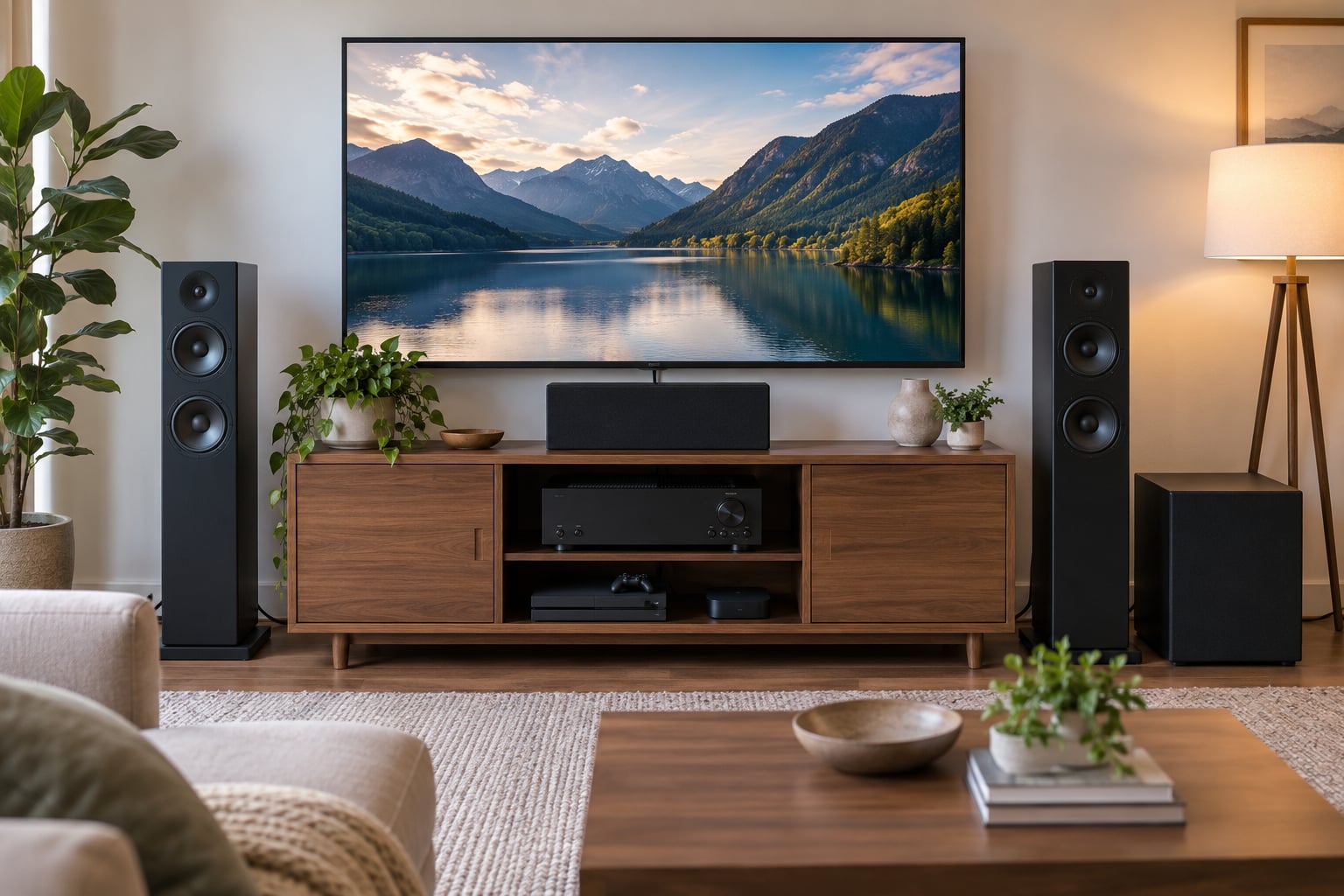
An AV receiver is the box in the middle of your home theater that everything else plugs into. It switches between your sources, decodes surround sound, powers your speakers, and sends the picture to your TV. For a lot of people, that is the entire job.
I have set up enough of these that the surprise for most first-time owners is how much of the box is really just a very organized switchboard. The jargon-heavy manuals suggest otherwise, but the core idea has not changed in fifty years.
Table of Contents
- What Does an AV Receiver Actually Do?
- How Does an AV Receiver Handle Your Movies, Music, and Games?
- What Are the Main Jobs of an AV Receiver?
- It acts as the switching hub for your sources
- It routes video to the display
- It decodes surround audio formats
- It converts and amplifies the audio
- It measures and corrects the room
- It controls the rest of the system
- What Does an AV Receiver Do to Sound?
- Decoding and channel routing
- Bass management
- Room calibration
- Volume control
- Analog and digital bypass
- What Does an AV Receiver Do to a TV Picture?
- The handshake problem nobody warns you about
- Do You Need an AV Receiver for Audio-Only Equipment?
- Turntables
- Bluetooth and wireless speakers
- Traditional two-speaker stereo
- When a receiver becomes worth it
- What about the smart TV argument
- What Is the Difference Between an AV Receiver and Other Components?
- What Should You Look for When Choosing an AV Receiver?
- Frequently Asked Questions
- Is an AV receiver the same thing as an amplifier?
- Why do I need a receiver for surround sound?
- How many cables do I need to connect speakers to an AV receiver?
- What should I look for in an AV receiver for my TV?
- Should an AV receiver be switched off when it is not in use?
What Does an AV Receiver Actually Do?
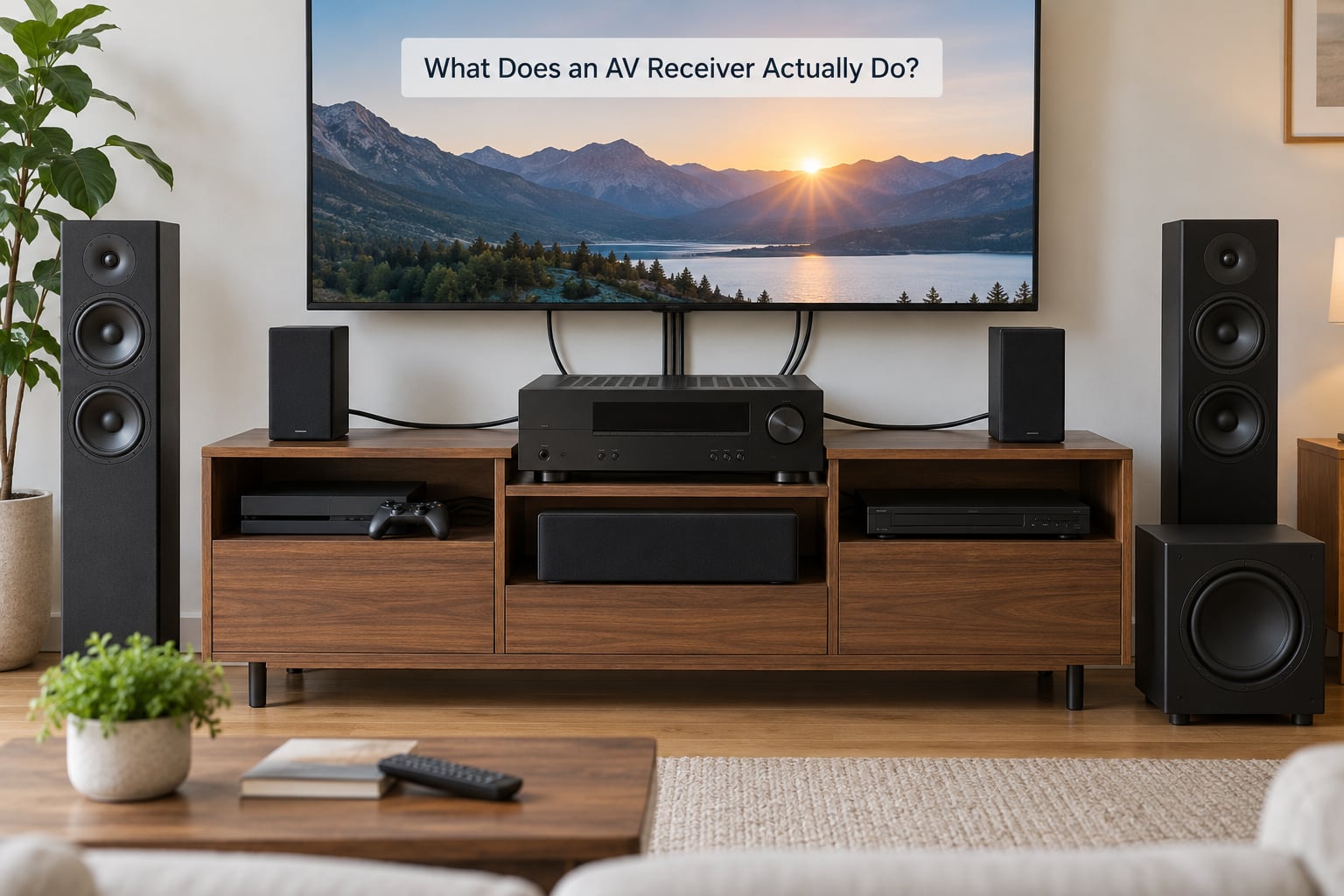
In short, an AV receiver takes audio and video signals from every source device you own, decodes the audio into separate channels, amplifies those channels to drive passive speakers, and routes the video to your television or projector. It also controls volume, room corrections, and other connected equipment.
Here is the same thing as a quick list, which is often easier to scan:
- Switching: one remote changes between the console, the streaming box, the disc player, and the turntable.
- Video routing: the picture from whichever source you picked reaches the TV, usually untouched.
- Audio decoding: Dolby Atmos, DTS:X, and older surround formats are unpacked into individual channels.
- Amplification: built-in power amplifiers turn those channels into speaker-level signals for passive speakers.
- Room correction: a calibration microphone measures your room and adjusts levels, delays, and bass.
- Control: volume, bass and treble, lip sync, and compatible equipment over HDMI CEC or a phone app.
That list is the whole concept. Everything else on the box, the giant alphabet of logos and abbreviations, is refinement.
How Does an AV Receiver Handle Your Movies, Music, and Games?
Follow the signal from a PlayStation to the speakers and the chain is easy to picture. This is the path for what does an av receiver actually do question, and once you see it, the box stops being mysterious.
- The source sends both signals. Your game console, streamer, or disc player outputs an HDMI cable carrying digital video and digital audio together.
- The receiver splits them. Inside, the video branch is essentially handed off to the output, while the audio branch is pulled apart and processed.
- The video travels on. One HDMI cable from the receiver to the TV carries the picture, usually with no processing at all.
- The audio is decoded. A digital signal processor reads the soundtrack format and produces a separate signal for each channel.
- Bass is redirected. Low frequencies under the crossover setting are routed to the subwoofer output instead of the small speakers.
- Corrections are applied. Any room calibration you have run is layered onto each channel, adjusting level, delay, and EQ.
- Each channel is amplified. A dedicated amplifier section turns each digital channel into an analog signal strong enough to drive a speaker.
- Control signals travel back. Volume commands, input changes, and power state go back up the same HDMI cable.
Audio and video arrive at your eyes and ears at slightly different times, so the receiver can delay the audio to match. That is the lip sync slider, and it is one of those small corrections you stop noticing once it is set.
What Are the Main Jobs of an AV Receiver?
Break the box into its parts and the jobs separate cleanly.
It acts as the switching hub for your sources
Most televisions ship with two to four HDMI inputs. Add a console, a streaming stick, a disc player, and a cable box and you are over that limit before you start. A receiver gathers them into one labelled bank and gives you a single source list.
That is also why people who only watch on one device often find the hub part pointless. The hub earns its keep when you have more sources than ports.
It routes video to the display
The receiver’s job here is modest and it does it well: take the video from the selected input and put it on the output going to your TV or projector. It also switches between a projector and a TV if you have both, and passes control signals so the TV powers on with the right input.
It decodes surround audio formats
A movie soundtrack arrives compressed as a single data stream. Dolby Digital, DTS, Dolby TrueHD, DTS-HD, Dolby Atmos, and DTS:X all need to be unpacked into separate channels, and the receiver’s decoder does that work.
Legacy surround formats such as Dolby Pro Logic II and DTS Neo:6 can also take two channels of stereo audio and synthesize channels around you, which is why a receiver still earns its keep with plain TV broadcasts.
It converts and amplifies the audio
After decoding, the digital audio becomes analog speaker-level power. This is the part that genuinely distinguishes a receiver from a processor, because it is the part that lets one box drive five, seven, or eleven speakers.
Most passive bookshelf and floorstanding speakers need this external power. Powered speakers and active subwoofers have amplifiers inside, so they need less help.
It measures and corrects the room
Every room smears sound. Walls add bass, furniture absorbs treble, and speakers sit at odd distances from where you sit. Calibration systems, marketed under names like Audyssey, Dirac Live, YPAO, and MCACC, play test tones through a microphone you place at your seat, then set levels, delays, and filters to compensate.
Owners on home theater forums often note the auto-setup microphones get crossover points wrong, so the measured result is a starting point rather than a final answer.
It controls the rest of the system
A good remote, an app on your phone, voice assistants, and multi-zone outputs for a kitchen or patio pair round out the job. Many receivers can play two zones at once, so the game stays loud in the living room while music plays quietly elsewhere.
What Does an AV Receiver Do to Sound?
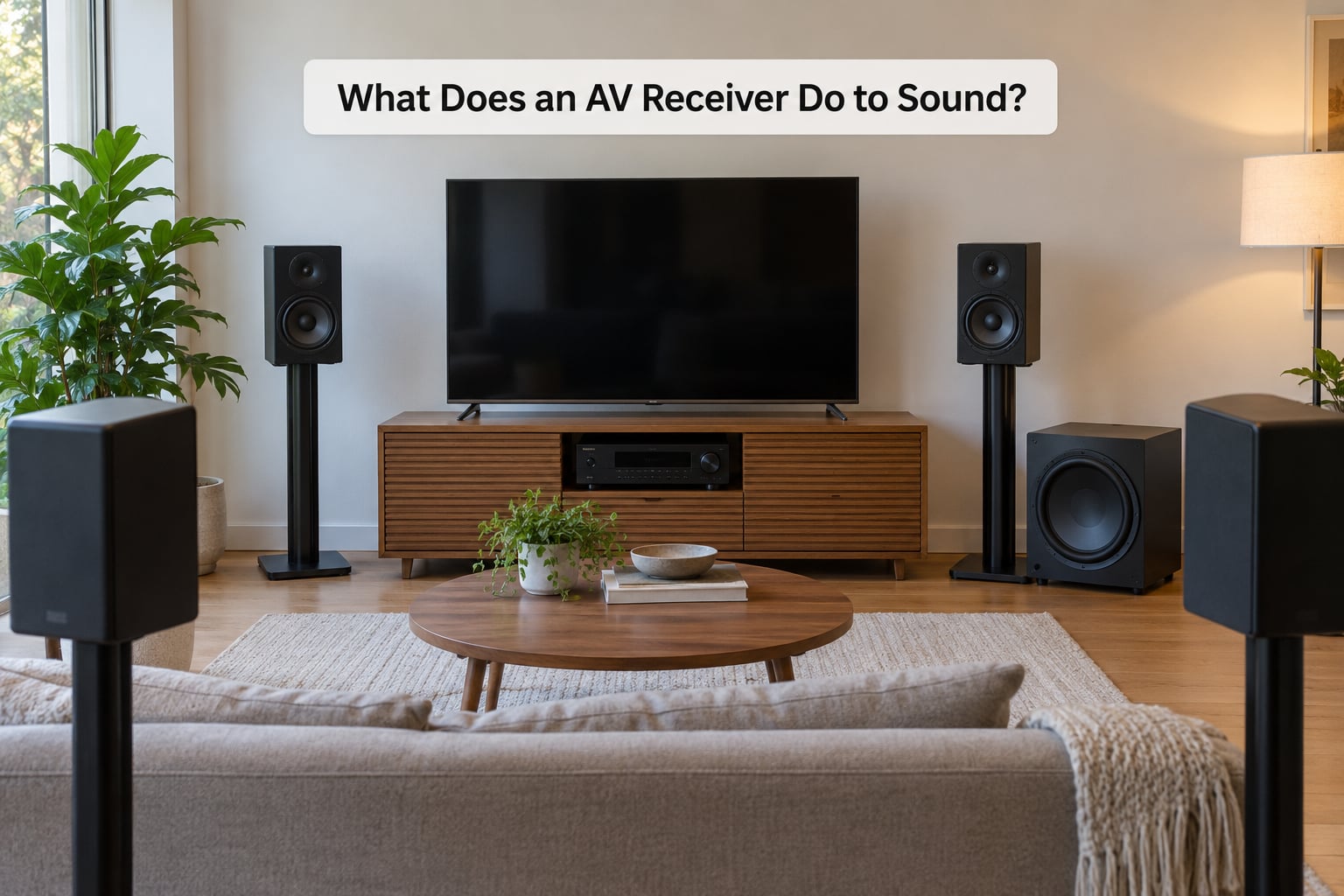
To sound, the receiver does six specific things, and separating them makes the box easier to reason about.
Decoding and channel routing
A 5.1 film has five main channels plus a low frequency effects channel for the subwoofer. A 7.1.4 Atmos mix adds four more, typically two behind you and two above. The receiver reads that layout and sends each channel to the speaker you assigned to it.
Get the assignment wrong and dialogue ends up in a ceiling speaker, which is a genuinely baffling ten minutes of troubleshooting.
Bass management
Small speakers cannot produce deep bass without distorting, so the receiver low-pass filters every channel at a crossover point, typically somewhere between 60 and 120 Hz, and sends only that range to the subwoofer. This is why a decent sub matters so much more to home theater sound than people expect.
Room calibration
Calibration sets relative volume between channels, corrects for speakers being at different distances, and applies filters to tame room problems. It also tends to add a little surround processing, and some listeners prefer less of it. Most receivers let you dial the correction back or bypass it entirely.
Volume control
Unlike a TV, a receiver has no fixed output level. It attenuates or amplifies every channel equally so you can turn it down for late night listening without losing surround balance. The volume control also feeds back to the TV through HDMI so the on-screen display follows along.
Analog and digital bypass
Enthusiasts care about direct modes that skip processing for vinyl or stereo music. It is a small feature with a devoted following, since any extra digital processing is exactly what someone with a good analog chain is trying to avoid.
What Does an AV Receiver Do to a TV Picture?
Less than the marketing suggests. On most modern units the video path is essentially a pass-through, and this is the part that surprises people who assume the receiver improves the image.
- Format handling: it passes through 4K at 60 Hz and, on HDMI 2.1 models, 4K at 120 Hz and 8K signals.
- HDR passthrough: HDR10, Dolby Vision, and HLG signals travel to a compatible display untouched.
- Gaming features: variable refresh rate, auto low latency mode, and 4K at 120 Hz only work if the receiver has the matching HDMI bandwidth on both the input and the output.
- Upscaling on older models: some receivers convert 1080p to 4K, though a good TV usually does that better with its own processing.
- Input switching: the receiver tells the display which input to show and can add a short delay while it negotiates.
ARC and eARC deserve their own explanation because they confuse a lot of owners. ARC is a single cable that carries sound from the TV back to the receiver, so TV apps, live broadcast, and anything else on the TV can use your speakers. eARC, the enhanced version, adds support for newer surround formats, including object-based audio, over that one return cable.
With eARC working, you can leave the TV’s own speakers switched off and route all TV audio through the receiver, which is usually what people want in a dedicated room.
The handshake problem nobody warns you about
HDMI devices talk to each other before a signal appears, a step called handshake. Occasionally the negotiation fails and you get no picture, no sound, or a receiver that keeps switching inputs on its own. Powering the receiver first, then the TV, then the source usually settles it. If a device has trouble, an HDMI switch or a well-made cable often fixes it where nothing else does.
Do You Need an AV Receiver for Audio-Only Equipment?
Usually not. A receiver earns its place when you have several sources and several passive speakers, so audio-only situations rarely qualify.
Turntables
A turntable needs a phono preamp, either built into the deck or a small separate box, and then an amplifier to drive speakers. Some receivers include a phono input with the built-in preamp, which is handy, but an inexpensive stereo amplifier does the same job with fewer boxes in the way.
Bluetooth and wireless speakers
These have amplifiers and wireless receivers inside. They connect straight to a phone or a TV, and a receiver in the middle would add nothing but delay and another remote.
Traditional two-speaker stereo
A pair of bookshelf speakers and a stereo amp is all a record collection needs. If you also want surround sound later, that stereo amp may not have the channel count or HDMI switching to grow into it, which is the moment a receiver starts to make more sense.
When a receiver becomes worth it
You need one once you have more source devices than your display has ports, more passive speakers than an amp can handle, or a mix of music and movies where you want one remote and one calibration pass. You also need one if you already own good passive speakers that a soundbar would strand.
What about the smart TV argument
It is a fair point that modern televisions decode surround formats themselves. What they cannot do is drive six separate speakers from one box, or give you five HDMI inputs that all pass 4K at 120 Hz. Owners on forums frequently report their TV handling codec processing just fine, which leaves the amplifier and the switching as the receiver’s real reasons to exist.
What Is the Difference Between an AV Receiver and Other Components?
These terms get used interchangeably in store aisles and they are not the same thing.
| Component | What it does | What it does not do |
|---|---|---|
| AV receiver | Switches sources, decodes surround audio, amplifies speakers, passes video to a display | Does not improve the picture on most modern models |
| Power amplifier | Drives passive speakers with volume control and little else | Does not decode surround sound or switch video |
| Preamplifier or preamp | Decodes, routes, and controls volume before the power stage | Cannot drive speakers without a separate power amp |
| Surround sound processor | Decodes and routes surround audio | Usually has no amplifiers inside |
| Soundbar | Plays movies and TV with one box and built-in amplification | Cannot drive separate passive speakers around a room |
| Television | Displays video and decodes some surround formats | Has small speakers and limited inputs |
| Streaming device | Brings apps and content into the system | Adds no amplification and no speaker drive |
| Powered subwoofer | Generates and amplifies bass on its own | Cannot handle the main channels |
Separates, meaning a preamp plus one or more power amps, do the same job as a receiver in a bigger, more flexible, more expensive way. Enthusiasts like them for the control and the ability to add channels later. Most people never need to leave the one-box approach.
What Should You Look for When Choosing an AV Receiver?
Work down this list and stop worrying about the badge.
- HDMI inputs and outputs: count them against your actual source devices plus one spare. Check that the ones you need support 4K at 120 Hz if you own a current console or PC.
- eARC: confirm it is present so TV apps can send surround sound back over one cable.
- Surround formats: Dolby Atmos is the common target today. DTS:X is a bonus rather than a requirement for most rooms.
- Channel count: a 7.1 or 7.2 receiver covers the realistic ceiling for most living rooms. Eleven channels need a very large space.
- Amplifier power: look at continuous power into the impedance your speakers actually are, commonly 4 or 8 ohms. Ignore peak numbers entirely.
- Speaker compatibility: passive speakers rated for 4 to 8 ohms work with most receivers.
- Room correction: any serious system helps, and Audyssey plus Dirac Live covers most budgets.
- Streaming and control: check Wi-Fi streaming, app control, and whether you care about multi-zone output.
- Legacy inputs: if you still own a turntable or an older player, confirm a phono input and analog audio jacks exist.
Two final points people rarely hear. First, a receiver ages faster than speakers do, so leaving budget for decent speakers and subs usually pays off more than chasing a flagship box. Second, how long a receiver lasts depends on HDMI standard cycles more than anything, and owners commonly keep a working unit for seven to ten years before a format or gaming feature forces an upgrade.
Frequently Asked Questions
Is an AV receiver the same thing as an amplifier?
No, though every receiver contains several amplifiers. An amplifier only drives speakers and controls volume. An AV receiver also switches between source devices, decodes surround formats, manages bass routing, and passes video to your display. If you have one source and two passive speakers, an amplifier is enough. Add a console, a streamer, and surround speakers, and the receiver saves you several separate boxes.
Why do I need a receiver for surround sound?
You do not need a receiver specifically, but you do need something to decode the soundtrack and power each channel separately. A television can decode Dolby Atmos but usually cannot feed six separate speakers. A receiver unpacks the audio into channels, sends the bass to your subwoofer, and drives the rest. Soundbars fake the effect with one enclosure, which sounds fine for a lot of rooms but not the same as speakers placed around you.
How many cables do I need to connect speakers to an AV receiver?
One speaker wire per channel, plus one cable for the subwoofer. A 5.1 system means five wires for the speakers and one for the sub, run to the binding posts and the subwoofer output. Every receiver labels the terminals so each wire goes to a matching channel. Add one HDMI cable from the receiver to your TV or projector, and one from each source device into the receiver.
What should I look for in an AV receiver for my TV?
Check two things first: how many HDMI inputs you need, since most televisions have only a few, and whether the receiver has eARC so TV apps send their audio back to your speakers. If you game, confirm 4K at 120 Hz, variable refresh rate, and auto low latency mode. For picture quality generally, buy a good television and let the receiver pass the signal through untouched.
Should an AV receiver be switched off when it is not in use?
Switching it off saves a little power and heat, and a hard power cut avoids the HDMI handshake glitch that sometimes shows up after an outage. Many owners leave a receiver on for weeks without trouble, and the calibration settings survive either way. The practical reason people power down is heat and fan noise in a cabinet. Either habit is fine, so long as you unplug it after a power cut before switching it back on.
Start by counting your source devices and your speakers. That single exercise tells you whether you need a receiver at all, which model class fits, and whether you would be happier with a soundbar and a good TV instead. If you have more sources than your display has ports, or more than two passive speakers, a receiver solves problems you would otherwise hit one at a time.
Last updated: October 2026.